
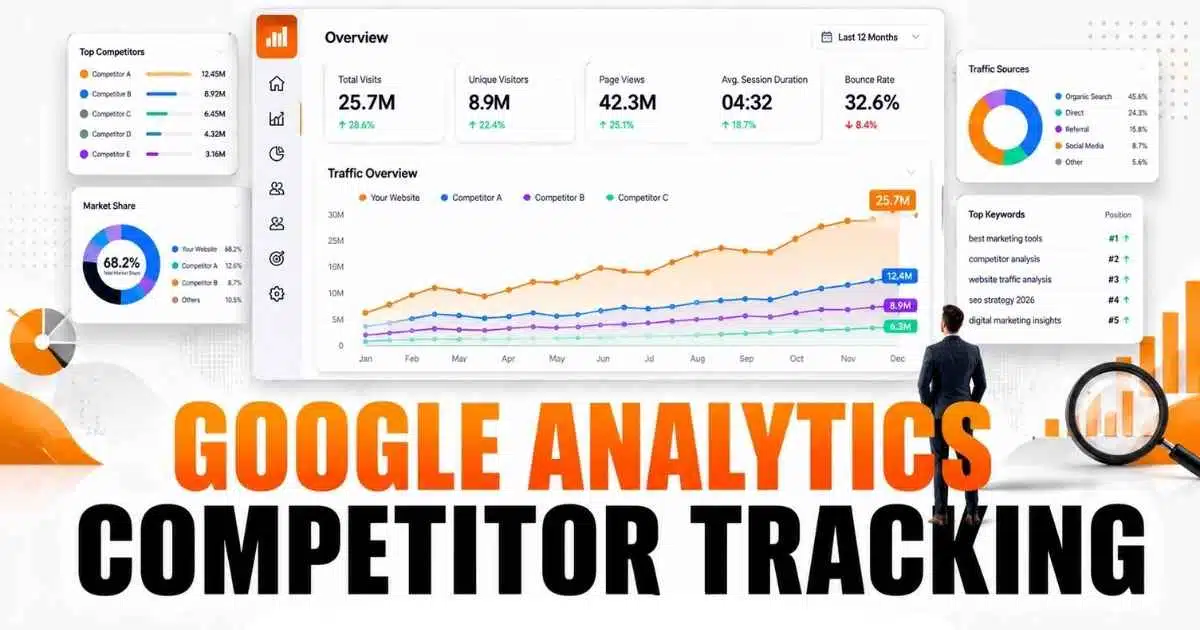
Google Analytics competitor tracking has become a valuable practice for businesses that want to understand market trends and improve online performance. While Google Analytics cannot directly show competitor data, it can provide useful insights through competitive benchmarking, audience insights, and website traffic analysis. By studying industry benchmarks and comparing key performance metrics, businesses can identify opportunities to grow faster than their rivals.
Understanding where competitors attract visitors, how audiences behave, and which channels drive engagement can strengthen marketing efforts. When combined with third-party tools and a smart data strategy, competitor tracking helps businesses make informed decisions, improve visibility, and gain a stronger position in an increasingly competitive digital marketplace.
What Is Competitor Traffic Analysis?
Competitor traffic analysis is the process of studying your rivals’ website performance and audience behavior. By observing visitor segmentation, traffic segmentation, and website engagement metrics, businesses can identify strengths and weaknesses in their own digital strategy. Customer journey analysis also benefits from this approach, revealing how users interact with products and services across different touchpoints.
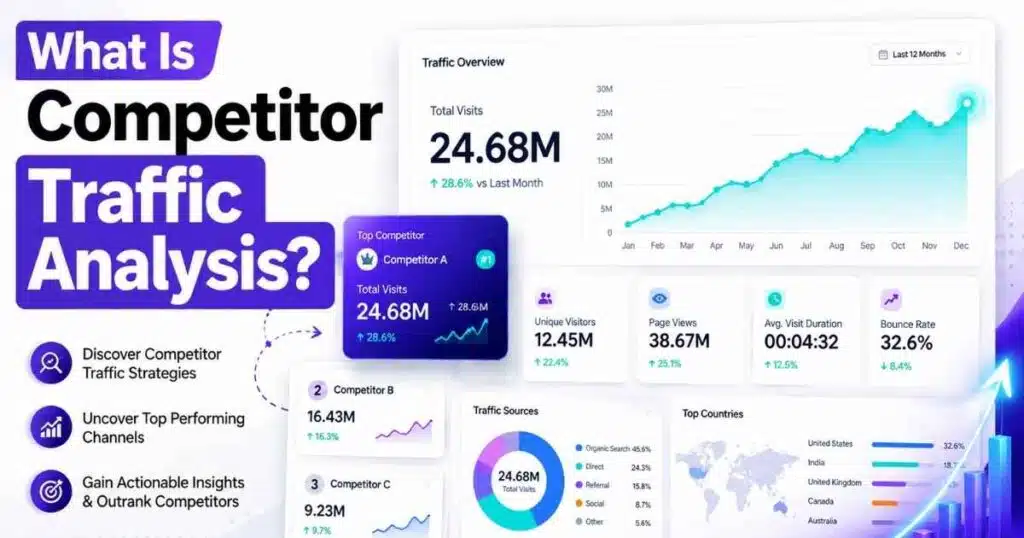
Using enterprise analytics and digital marketing insights, companies can detect patterns in ecommerce product views, company IP identification, and service provider tracking. This creates a foundation for a strong Google Analytics competitor tracking strategy that identifies opportunities for growth, optimizes marketing analytics, and strengthens business intelligence.
Can Google Analytics Track Competitor Websites?
Google Analytics cannot provide exact numbers for competitor traffic or corporate website visitors because it tracks only sites you own. However, indirect methods like custom segments in Google Analytics, network domain report, and Service Provider Data allow marketers to infer competitor behavior. Audience insights gathered this way can guide B2B competitor monitoring and competitive market analysis without violating privacy.
Even without direct competitor metrics, Google Analytics enables deep customer insights through website visitor tracking, traffic source analysis, and visitor segmentation. By leveraging marketing intelligence and behavioral analytics, businesses can design a digital analytics strategy that uses partial data to predict competitor activity and refine campaigns for higher ROI.
Why Google Analytics Cannot Show Competitor Traffic Data
Google Analytics respects corporate website visitors’ privacy and only collects data from your own domain. Tracking competitor websites directly would require access to their Service Provider Data or company IP identification, which is restricted. This protects sensitive business and user information while maintaining ethical standards for digital marketing.
Despite these limits, companies can still perform competitor behavior analysis using aggregated tools, traffic source analysis, and website engagement metrics. Combining these insights with marketing analytics and business intelligence reports allows effective competitive benchmarking and a better understanding of industry trends without breaching privacy.
What Competitor Insights Can You Get from Google Analytics?
Although exact competitor traffic cannot be seen, Google Analytics offers valuable insights through custom segments in Google Analytics, traffic segmentation, and behavioral analytics. These reports highlight relative performance and reveal areas where your digital analytics strategy can improve. Understanding website visitor reports for different segments helps refine lead generation insights.
Using audience insights and website visitor tracking, marketers can also identify corporate website visitors from similar industries. Service provider tracking and network domain report provide indirect intelligence on competitor activity. These insights support better competitive market analysis, guiding enterprise analytics and ecommerce analytics strategies.
How to Use Google Analytics Benchmarking Reports
Competitive benchmarking allows businesses to compare their website performance against industry standards. Google Analytics Benchmarking Reports provide traffic source analysis, website engagement metrics, and user behavior analysis without exposing competitor data. These reports highlight where your digital analytics strategy excels or lags.
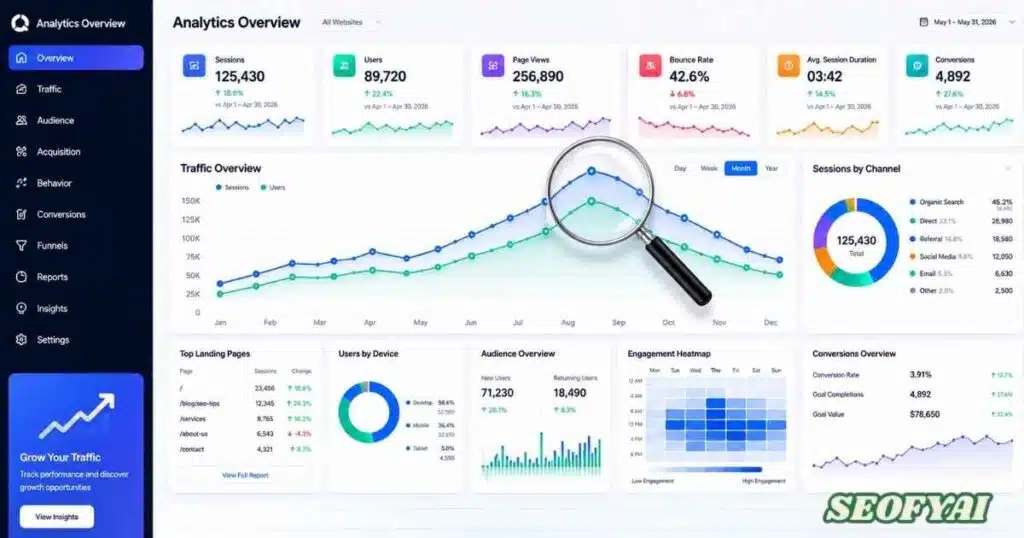
Businesses can track corporate website visitors, audience insights, and ecommerce product views to measure success against competitors. Regular benchmarking improves marketing intelligence, identifies lead generation insights, and strengthens business intelligence decisions.
Benchmarking Metrics Overview
| Metric | What It Measures | Competitive Value |
| Sessions | Total visits | Shows market activity |
| Engagement Rate | Interaction per session | Measures audience quality |
| Average Session Duration | Time on site | Evaluates content effectiveness |
| Conversion Rate | Goal completions | Tracks business performance |
Other Google Tools for Competitor Research
In addition to Google Analytics, marketers use Search Console, Google Trends, and Google Ads Auction Insights. These tools complement Google Analytics competitor tracking strategy by offering website visitor tracking, audience insights, and customer journey analysis. Digital analytics strategy improves when companies integrate these tools with behavioral analytics and competitive benchmarking.
Service provider tracking and network domain report can show where traffic originates. B2B competitor monitoring benefits from combining website engagement metrics with traffic segmentation. This approach enhances enterprise analytics, boosts marketing intelligence, and supports more accurate lead generation insights.
Best Tools to Track Competitor Website Traffic
For accurate competitor research, third-party tools like Similarweb, SEMrush, Ahrefs, SpyFu, and SE Ranking are essential. Competitor website visits can be estimated using website visitor reports, visitor segmentation, and traffic source analysis. These tools provide digital analytics strategy insights beyond what Google Analytics offers.
Competitor Tracking Tool Comparison
| Tool | Best For | Key Strength |
| Similarweb | Traffic estimates | Audience insights |
| SEMrush | Marketing research | Comprehensive competitor data |
| Ahrefs | SEO analysis | Backlink intelligence |
| SpyFu | PPC campaigns | Competitor paid search data |
| SE Ranking | Budget-friendly | Cost-efficient monitoring |
How to Analyze Competitor Traffic Step-by-Step
Begin by identifying competitors in Google Analytics using company IP identification and network domain report. Collect traffic estimates and examine visitor segmentation. Compare traffic source analysis and ecommerce product views to understand competitor behavior analysis.
Next, evaluate website engagement metrics, audience insights, and customer journey analysis. Use behavioral analytics to refine your Google Analytics competitor tracking strategy. Finally, document insights for ongoing B2B competitor monitoring and competitive benchmarking.
Key Metrics to Monitor When Tracking Competitors
Tracking competitor traffic requires monitoring organic traffic, paid traffic, referral traffic, top landing pages, and engagement metrics. Combine these with website visitor tracking, traffic segmentation, and custom segments in Google Analytics to form a strong digital analytics strategy.
Essential Competitor Tracking Metrics
| Metric | Why It Matters | Business Impact |
| Organic Traffic | Shows search visibility | Helps with SEO |
| Keyword Rankings | Market position | Guides content strategy |
| Backlinks | Authority signals | Improves ranking potential |
| Engagement Metrics | User satisfaction | Optimizes conversions |
How to Use Competitor Traffic Data to Improve Your Marketing Strategy
Analyzing competitor traffic reveals lead generation insights, gaps in ecommerce analytics, and opportunities for better digital marketing campaigns. Behavioral analytics can inform customer journey analysis, helping optimize website visitor tracking and improve enterprise analytics.
Data-driven decisions from competitor research guide marketing intelligence, website engagement metrics, and audience insights. Combining traffic source analysis with competitive benchmarking enhances B2B competitor monitoring, boosts website visitor reports, and strengthens overall Google Analytics competitor tracking strategy.
Common Mistakes to Avoid in Competitor Analysis
Relying on estimated competitor website visits as exact figures is risky. Ignoring visitor segmentation or focusing only on organic traffic can mislead digital analytics strategy. Forgetting lead generation insights and customer journey analysis reduces the impact of Google Analytics competitor tracking.
Other mistakes include tracking the wrong competitors, overlooking seasonal trends, or ignoring website engagement metrics. Proper behavioral analytics, combined with competitive benchmarking and enterprise analytics, ensures accurate marketing intelligence and informed competitor research decisions.
Conclusion
Google Analytics competitor tracking remains an essential part of modern digital marketing and competitive market analysis in 2026. Although Google Analytics cannot reveal exact competitor traffic numbers, it still provides valuable audience insights, website engagement metrics, and competitive benchmarking data that help businesses understand their position in the market. When combined with tools like Search Console, industry benchmarking reports, and third-party competitor research platforms, marketers can uncover meaningful trends, identify growth opportunities, and strengthen their overall digital analytics strategy.
Success comes from looking beyond raw traffic estimates and focusing on actionable intelligence. By using traffic source analysis, visitor segmentation, customer journey analysis, and behavioral analytics, businesses can make smarter decisions that improve visibility, engagement, and conversions. A well-planned Google Analytics competitor tracking strategy transforms scattered data into clear direction, helping brands stay competitive, adapt to market changes, and build a stronger presence in an increasingly data-driven landscape.
Frequently Asked Questions (FAQ)
What is Google Analytics competitor tracking?
Google Analytics competitor tracking is part of google analytics competitor analysis where marketers study traffic behavior using Google Analytics tools. It helps understand audience trends, engagement patterns, and market positioning without directly accessing competitor data.
How to use Google Analytics to track website traffic?
To learn how to use Google Analytics to track website traffic, you need Google Analytics login or Google Analytics 4 login access. Inside Google Analytics 4, you can monitor sessions, users, and conversions, while Google Tag Manager helps improve tracking accuracy.
What is competitor analysis in Google Ads?
What is competitor analysis in Google ads refers to studying how competitors perform in paid campaigns. Using Google Analytics 360, advertisers can combine ad data with analytics insights to improve bidding strategy and campaign performance.
How does Google Analytics traffic check work?
A Google analytics traffic check is done inside Google Analytics 4, where you review traffic sources, user behavior, and engagement metrics. It helps improve marketing decisions and understand website performance more clearly.
What is Google Analytics competitor tracking example?
A Google analytics competitor tracking example is comparing your website performance in Google Analytics 4 with industry benchmarks using Google Analytics tools and Google Analytics 360, along with insights from SEO tools to estimate competitor behavior.

Abdul Manan is a professional SEO content creator and AI-SEO strategist at seofyai.com. He specializes in helping businesses rank higher on Google through AI-powered, data-driven content optimization. Connect on LinkedIn or visit seofyai.com for expert SEO tips.