
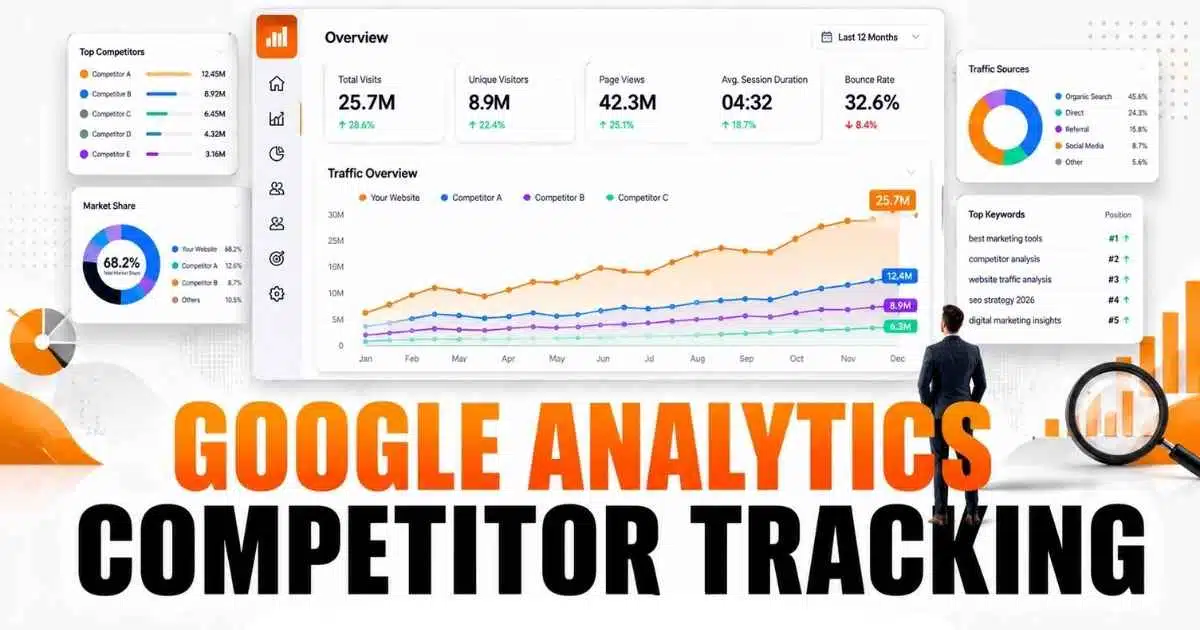
No — Google Analytics cannot show a competitor’s website traffic. It only measures properties you own, where your tracking code is installed. So Google Analytics competitor tracking is a two-part job: GA4 measures your own performance, and separate tools estimate competitors’. Confusing measured data with estimated data is where most competitor analysis goes wrong.
What Google Analytics Competitor Tracking Actually Means
Competitor traffic analysis means studying rival websites to learn where their visitors come from, which pages attract attention, and which topics they rank for — for example, whether competitors win search traffic for keywords you ignore, or grow through search, social, referrals, or paid ads.
The key distinction is measurement versus estimation. GA4 measures your site: real sessions and conversions recorded by your own property. Tools such as Similarweb or Semrush only estimate a rival’s site, using panels, crawls, and models — useful for direction, but two tools rarely agree on the same site.
Can Google Analytics Track Competitor Websites?
No. Analytics collects data only from sites connected to your own property. A competitor’s traffic never appears in your GA4 reports, because your tracking code does not run on their site.
That restriction is also a privacy safeguard: analytics data belongs to the property owner. Any tool promising exact competitor traffic “from Google Analytics” misdescribes the product. What GA4 gives you is a reliable baseline for your own site, against which outside estimates can be compared.
Two Outdated Claims to Stop Using
Older guides still recommend two reports that no longer exist.
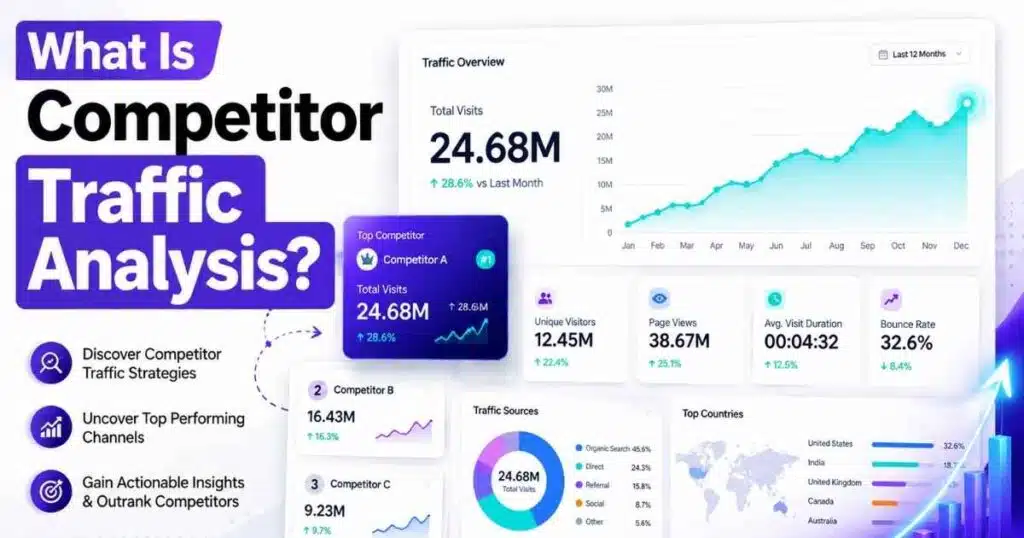
First, the “Service Provider” and “Network Domain” dimensions are gone. Google removed both on 4 February 2020; since then they report only “(not set)”. They once showed the internet provider or network behind a visit, which some marketers used to guess which companies had visited their site. That route is closed in GA4, and no setting restores it.
Second, the old Universal Analytics benchmarking reports are gone: Universal Analytics stopped processing data on 1 July 2023. GA4 has since gained a narrower replacement — an opt-in peer comparison in the Home overview (Admin > Account settings, “Modeling contributions & business insights”), showing your performance against an anonymised peer median for dates from 30 May 2024 onward, if your property meets Google’s thresholds. It never names a rival, and small properties may not see it at all.
What GA4 Can Actually Tell You
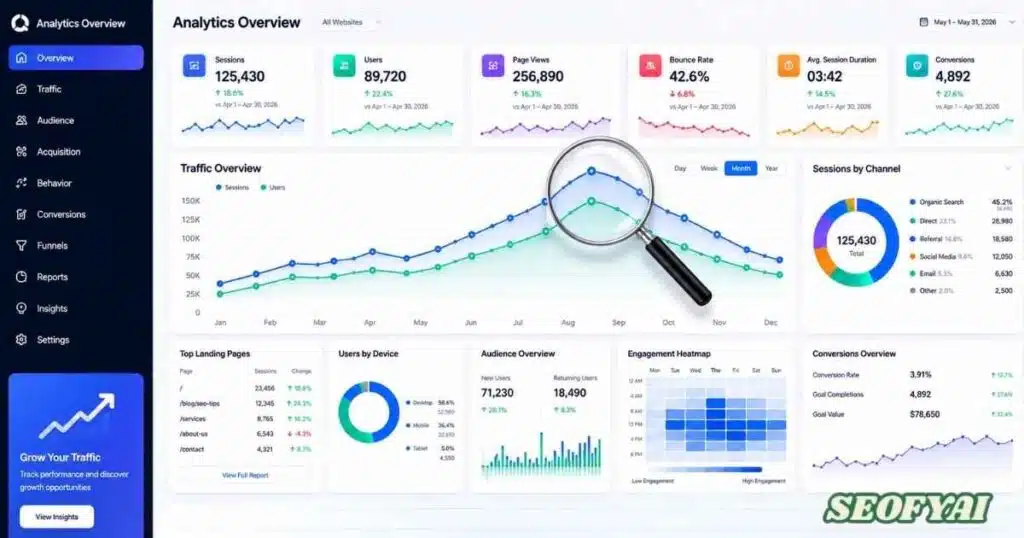
GA4 answers the “compared with what?” half: your own numbers, measured consistently, month to month.
Start with acquisition. In Reports > Acquisition > Traffic acquisition, compare sessions and conversions by channel — organic search, paid search, social, referral, direct, and email. If a rival’s estimated traffic is mostly organic search while yours is mostly social, that points to a content gap, not just a traffic gap.
Then check engagement and conversions: Reports > Engagement shows which pages hold attention, and key events show which traffic converts. A rival may attract more visits, but a higher conversion rate on your side narrows the gap that matters. Link Search Console under Admin > Product links to see your own ranking queries, including where you sit just below page one. Use traffic source analysis the same way: to judge your own sources, not to infer a rival’s.
Other Google Tools for Competitor Research
Three more Google tools fill gaps GA4 leaves, each with the same boundary: your own data plus public or auction context, never a rival’s analytics. Search Console reports your own search performance; its competitor value is indirect — find queries where you rank on page two, then check who ranks above you and what their pages cover that yours does not.
Google Trends, is public by design: it shows relative search interest over time, so you can compare brand interest against a competitor’s and check whether a rival’s growth matches rising category interest. Google Ads Auction Insights, only for advertisers, is the one Google report naming competitors — impression share and overlap rate in auctions you entered. It says nothing about organic traffic, but for paid search it is measured data, not an estimate.
Best Tools to Track Competitor Website Traffic
For the competitor side you need a third-party estimator. Pick one primary tool and use it consistently; switching mid-year breaks trend lines, because each tool models traffic differently.
| Tool | Best for | What to watch |
|---|---|---|
| Similarweb | Traffic estimates, channel mix, audience geography | Estimates are weakest for small or niche sites |
| Semrush | Keyword gaps, traffic estimates, backlink research | Free access is limited to a small daily allowance |
| Ahrefs | Backlink profiles, keywords a rival ranks for | Free Webmaster Tools cover your own site only |
| SpyFu | Paid search history, a rival’s top organic pages | Depth varies by market and site size |
| SE Ranking | Lower-cost rank tracking and competitor snapshots | Traffic figures are still estimates, not measurements |
Accuracy deserves a plain warning. In one widely cited test of 787 sites, Semrush and Similarweb figures deviated from actual Google Analytics numbers by 45% to 61%. Both tools have changed their data sources since, so do not treat that as a current score — but take the lesson: use estimates to rank competitors and spot trends, never to quote a rival’s exact traffic.
How to Analyse Competitor Traffic Step by Step
- Name three to five real competitors: one larger rival, two close peers, and one fast-growing smaller site. Tracking twenty sites produces noise, not insight.
- Record your GA4 baseline first: sessions, conversion rate, and channel mix for the same date range as the estimates.
- Pull one estimator snapshot per competitor: estimated visits, top channels, pages, and keywords — same month, same tool, every time.
- Find the keyword and content gaps: keywords rivals rank for that you do not, and pages earning them links. One gap you can close beats fifty you cannot.
- Choose one action and one metric: publish the missing page, then watch its organic sessions for 60 days. Research ending in a decision is useful; research ending in a spreadsheet is not.
- Repeat monthly, not daily: estimates wobble weekly, while monthly snapshots reveal real movement.
Key Metrics to Monitor When Tracking Competitors
| Metric | Why it matters | Measured or estimated? |
|---|---|---|
| Organic traffic and keyword rankings | Search visibility and content strength | Estimated for rivals; measured for your site |
| Traffic by channel | Whether growth is search, social, referral, or paid | Estimated for rivals; measured for your site |
| Top landing pages | The content and offers doing the real work | Estimated for rivals |
| Backlinks and referring domains | Authority signals and outreach targets | Crawled data, not analytics |
| Engagement and conversion rate | Separates busy sites from effective ones | Measured only for your own site |
Common Mistakes to Avoid in Competitor Analysis
First, quoting estimates as exact figures, especially for small competitors, where error is largest. Second, tracking the wrong rivals: the sites taking your customers are usually close peers, not giants. Third, watching only organic traffic while a rival grows through paid ads or partnerships. Fourth, ignoring seasonality. Fifth, collecting data without deciding anything — if a month of tracking changes no page or budget, it is theatre. Stay with legitimate sources: public data, search data, and modelled estimates.
Conclusion
Google Analytics competitor tracking works best when you stop asking GA4 to do something it cannot do. Let GA4 measure your own traffic and channels, Search Console and Trends add public context, and one estimator supply competitor estimates — read as direction, re-checked monthly against your measured baseline.
Frequently Asked Questions (FAQ)
Can Google Analytics track competitor websites?
No. Google Analytics only reports on properties you own, where your tracking code is installed, and nowhere else. It cannot show a competitor’s traffic or conversions. Study rivals with estimators such as Similarweb or Semrush, and use GA4 for your own site.
Why can’t Google Analytics show competitor traffic data?
Analytics data belongs to the property owner, and Google does not share one business’s visitor data with another. A rival’s site would need your tracking code installed to appear in your reports, which is neither possible nor permitted under Google’s terms.
What is the best tool for Google Analytics competitor tracking?
There is no single best tool: GA4 covers your site and a separate estimator covers rivals. Similarweb suits traffic estimates, Semrush suits keyword gaps, and Ahrefs suits link research. Use one primary estimator consistently so that monthly trends stay comparable over time.
How accurate are competitor traffic estimates?
They are directional, not exact. Estimators model traffic from panels, crawls, and other signals, so their figures differ from real analytics — sometimes substantially — and they are least reliable for small or niche sites. Use them to compare competitors and spot trends, never to quote a rival’s precise visitor count.
Does GA4 have benchmarking reports for competitor tracking?
Not in the old Universal Analytics sense; those reports ended with it. GA4’s Home overview may show an opt-in peer comparison against an anonymised median, if your property meets Google’s thresholds. It never names individual competitors, so it cannot replace estimator research.

Abdul Manan is a professional SEO content creator and AI-SEO strategist at seofyai.com. He specializes in helping businesses rank higher on Google through AI-powered, data-driven content optimization. Connect on LinkedIn or visit seofyai.com for expert SEO tips.