
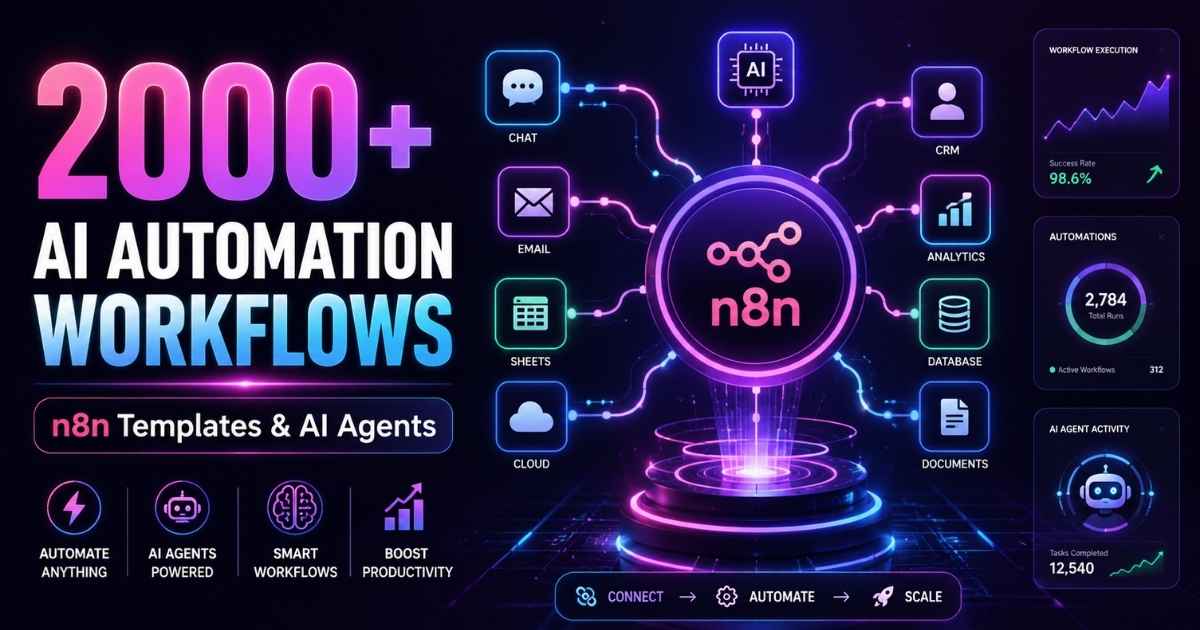
When this guide was first written, “n8n AI automation workflows: 2000” described the template library’s size — two thousand free community workflows you could import instead of building automations from scratch. That library has since passed 13,000 workflows. This is the updated, honest version: what n8n is, where the templates live, how to import them safely, how the AI agents work, and what n8n costs in 2026.
The premise still holds, only the number grew: import a ready-made workflow, connect your own accounts, and have a working automation in minutes — no hype, no invented statistics.
What is n8n and why use it for automation?
n8n is an open-source automation platform founded in Berlin in 2019 by Jan Oberhauser. You build automations as visual workflows: a trigger fires (a webhook, a schedule, a new spreadsheet row), data flows through nodes, and each node does something — calls an API, writes to a database, sends a message, or asks a language model a question. When something breaks, the canvas shows which node failed and what data it received.
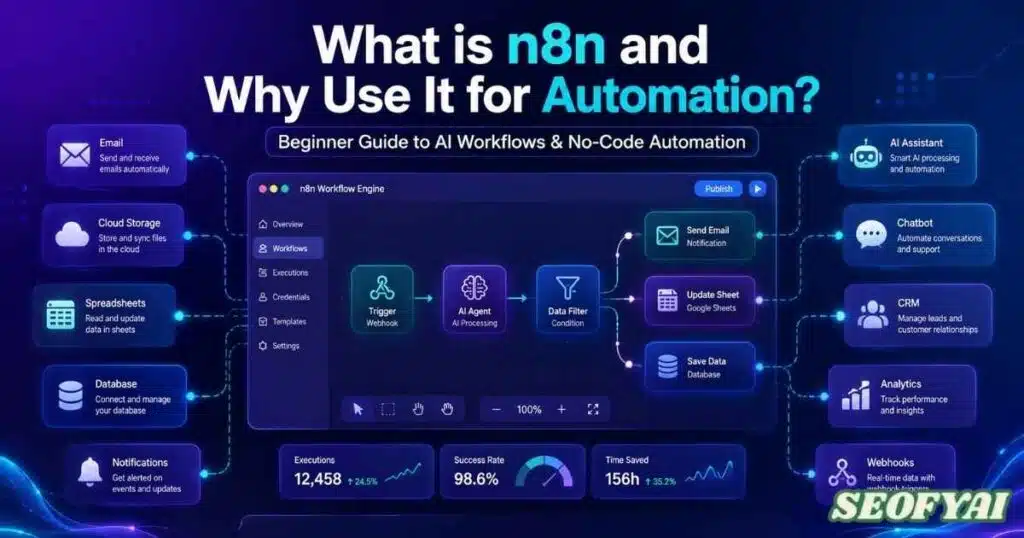
Three things set n8n apart from Zapier and Make. First, licensing: n8n is fair-code under its Sustainable Use License, and the self-hosted Community Edition is free with no cap on workflows or executions — you pay only for the server. Second, depth: beyond 400 built-in integrations, you get JavaScript, any HTTP API, and SQL. Third, AI is first-class: nodes for agents, embeddings, vector stores, and memory support retrieval-augmented workflows without a separate framework.
The trade-off is operational: self-hosting means you own updates, backups, and uptime. Teams wanting zero infrastructure work pick n8n Cloud. Same workflows either way.
n8n AI Automation Workflows: 2000 Templates — Where They Actually Live
The official library at n8n.io/workflows. It passed 13,000 community-submitted workflows in 2026 — more than six times the “2,000” this guide’s title still quotes, which is why the number in the headline now reads as a starting point, not a count.
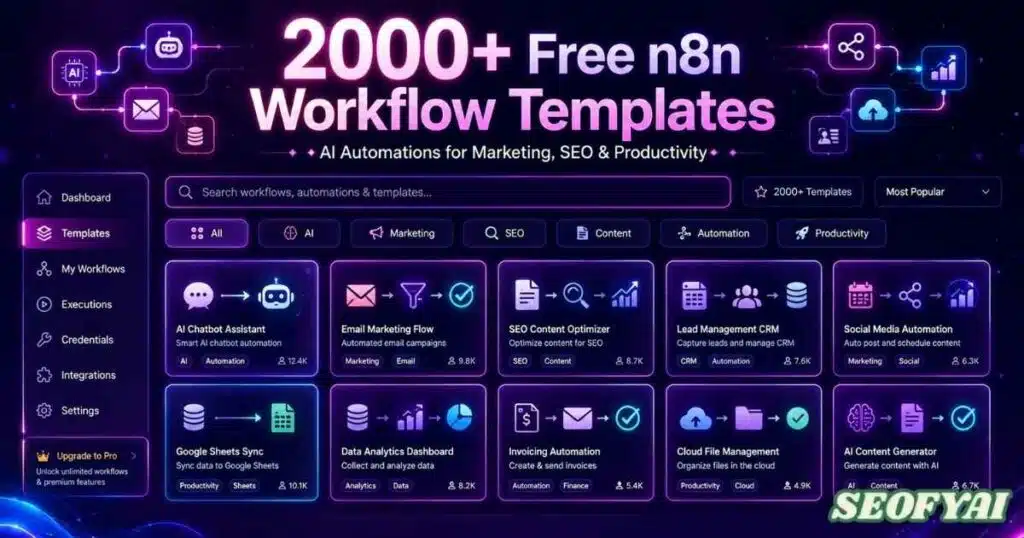
Workflows are organized by category with node counts, required integrations, and a canvas preview. Quality varies: prefer templates with heavy use and recent updates. Treat every template as a draft — read its nodes, check its HTTP requests, replace placeholder credentials.
The AI category is the fastest-growing, with agent workflows that summarize tickets, draft replies, classify feedback, and push structured results into CRMs and helpdesks. Marketing and ecommerce remain the most crowded — abandoned-cart sequences, lead scoring, review monitoring, and content repurposing pipelines.
How do AI agents work inside n8n?
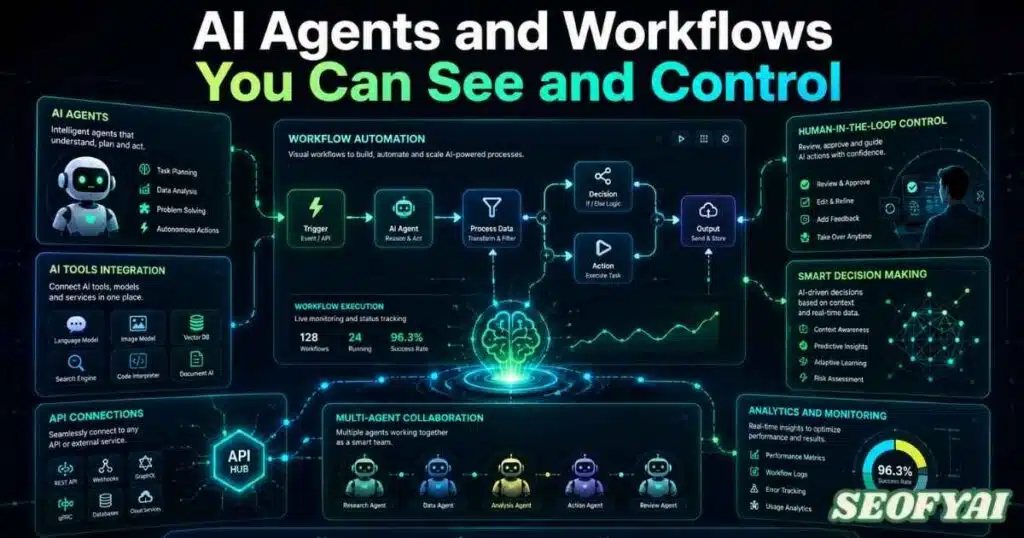
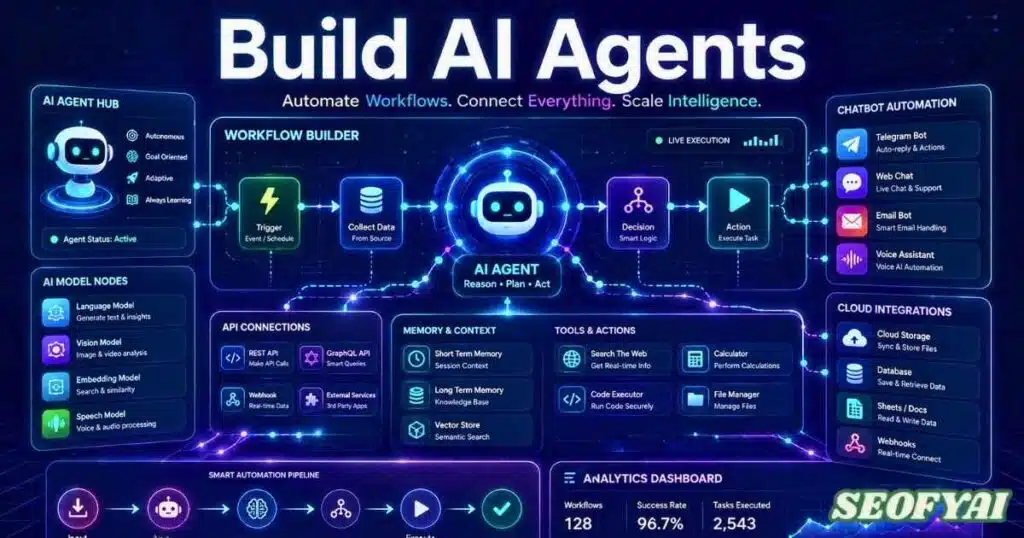
The AI Agent node is n8n’s AI centerpiece. Attach a language model (OpenAI, Anthropic, Gemini, Groq, Mistral, Cohere, or local via Ollama), add tools and memory — and the agent decides what to call, in what order. Every step stays inspectable on the canvas. That visibility is the point of AI workflow orchestration: when an agent misbehaves, you trace its reasoning instead of guessing.
Memory, tools, and retrieval
Three memory options cover the cases: Window Buffer Memory (last N messages), Postgres Chat Memory (persistent across runs), Redis Chat Memory (fast, short-lived). Tools can be n8n nodes, HTTP endpoints, or entire sub-workflows — so an agent can check your CRM, query a database, and draft a reply in one run.
For retrieval-augmented generation, n8n ships document loaders, text splitters, and vector-store nodes for Pinecone, Qdrant, Weaviate, and pgvector. Typical pattern: index your help-center articles, then let the agent search them before answering.
An MCP client node (late 2025) connects workflows to any Model Context Protocol server, and human-in-the-loop approval nodes (early 2026) pause a run so a person approves risky steps — a refund, a published post — before they proceed. The approval nodes are the ones production teams adopt first: they solve the trust problem that keeps most agent projects from shipping.
How to Import and Use n8n AI Automation Workflows: 2000 Templates
Getting one of these workflows into your workspace takes about five minutes:
- Browse the library at n8n.io/workflows and filter by the apps you actually use.
- Preview first. Read the description, node list, and required credentials.
- Import it — via “Use template”, or in the editor with Import from File, Import from URL, or pasted JSON.
- Reconnect credentials. Every node touching an external service needs your own API key or OAuth login.
- Review and simplify. Delete unneeded nodes, add error handling around fragile parts.
- Test with real data, then activate. Run it manually, inspect outputs, then activate.
Never activate a template the day you import it. Run it in test mode, watch a real execution end to end, check what it writes — then put it on a schedule.
How much does n8n cost in 2026?
n8n prices by executions — one execution is one complete workflow run. Plans change, so check n8n.io/pricing; as of October 2026:
| Plan | Price (annual billing) | Executions / month | Notes |
|---|---|---|---|
| Self-hosted Community | Free | Unlimited | Your server; you handle updates and uptime |
| Cloud Starter | €20/mo | 2,500 | One team getting started; forum support |
| Cloud Pro | €50/mo | 10,000 | Shared projects, admin roles, workflow history |
| Cloud Business | €667/mo | 40,000 | SSO, Git; self-hosted only |
| Enterprise | Custom | Custom | SLA support, audit features, hosted or self-hosted |
The self-hosted Community Edition is why n8n spread so fast: unlimited workflows and executions for the price of a small VPS — though you become the DevOps team. Where automation is business-critical, managed Cloud plans buy someone else’s uptime guarantees.
n8n vs Zapier vs Make: which fits your team?
| n8n | Zapier | Make | |
|---|---|---|---|
| License | Fair-code, self-hostable | Proprietary, cloud-only | Proprietary, cloud-only |
| Free tier | Unlimited self-hosted | 100 tasks/mo | 1,000 ops/mo |
| Integrations | 400+ native, 500+ community nodes | 7,000+ apps | 2,000+ apps |
| AI agents | Native agent node, memory, RAG | Growing AI features | AI modules, scenario-based |
| Custom logic | JavaScript, HTTP, SQL, sub-workflows | Code steps (limited) | Functions, routers |
| Learning curve | Steeper | Gentlest | Moderate |
Pick n8n when data must stay on your infrastructure, when automations need real logic and code, or when you plan AI agents with memory and retrieval — its strongest 2026 argument. Pick Zapier for the broadest app coverage and gentlest onboarding. Pick Make for a visual builder cheaper than Zapier when you’re not ready to self-host. Marketing teams running email marketing automation systems often start on Zapier or Make and migrate heavy workflows to self-hosted n8n once per-task pricing bites.
When n8n is the right choice — and when it isn’t
n8n is the right choice when: you handle sensitive data and want it on your own servers; your automations need branching logic, code, or custom APIs; you plan AI agents and want every step inspectable; or your execution volume would make per-task pricing expensive.
Skip it when you need something live this afternoon with no technical help — Zapier is faster there. Also skip it if nobody will own the server: an unpatched, unbacked-up self-hosted n8n is worse than a managed plan. And for two SaaS apps with simple “when X, do Y” needs, the extra power is just maintenance.
Conclusion
The n8n AI automation workflows: 2000 templates in this guide’s title were real — they just multiplied. Treat the 13,000+ community workflows as a starting point: import, test, then activate; adapt each template to your data and edge cases; use approval nodes before anything irreversible.
Frequently asked questions
What are n8n workflow templates?
n8n workflow templates are pre-built automation workflows shared by the n8n community. Each template is a complete node graph — triggers, integrations, logic, and AI steps — that you can import into your own n8n workspace, reconnect with your credentials, and adapt instead of building from scratch.
Are n8n workflow templates free?
Yes. The template library at n8n.io/workflows is free to browse and import, whether you run the free self-hosted Community Edition or a paid n8n Cloud plan. Templates are free — only actual workflow runs count as executions.
How do I import an n8n workflow template?
Open the template on n8n.io/workflows, use the import option, then in the n8n editor choose Import from File, Import from URL, or paste the template JSON. After importing, reconnect every credential node with your own accounts, review the logic, test the workflow manually, and only then activate it.
How many integrations does n8n support?
n8n ships with more than 400 built-in integration nodes, plus 500 or more community-built node packages. Anything without a dedicated node can still be reached through the generic HTTP Request node — effectively any service with an API.
Can n8n build AI agents with memory and RAG?
Yes. The AI Agent node connects to models from OpenAI, Anthropic, Google, and others, with three memory options (window buffer, Postgres, Redis) and vector-store nodes for Pinecone, Qdrant, Weaviate, and pgvector. Human-in-the-loop approval nodes let a person sign off on risky actions first.
n8n vs Zapier: which is better for AI automation?
For AI agents, n8n has the edge: a native agent node, memory options, RAG tooling, and full visibility into every step. Zapier wins on app coverage and ease of use. Choose n8n for control, self-hosting, or complex agent logic; Zapier for the simplest standard app-to-app automations.

Abdul Manan is a professional SEO content creator and AI-SEO strategist at seofyai.com. He specializes in helping businesses rank higher on Google through AI-powered, data-driven content optimization. Connect on LinkedIn or visit seofyai.com for expert SEO tips.